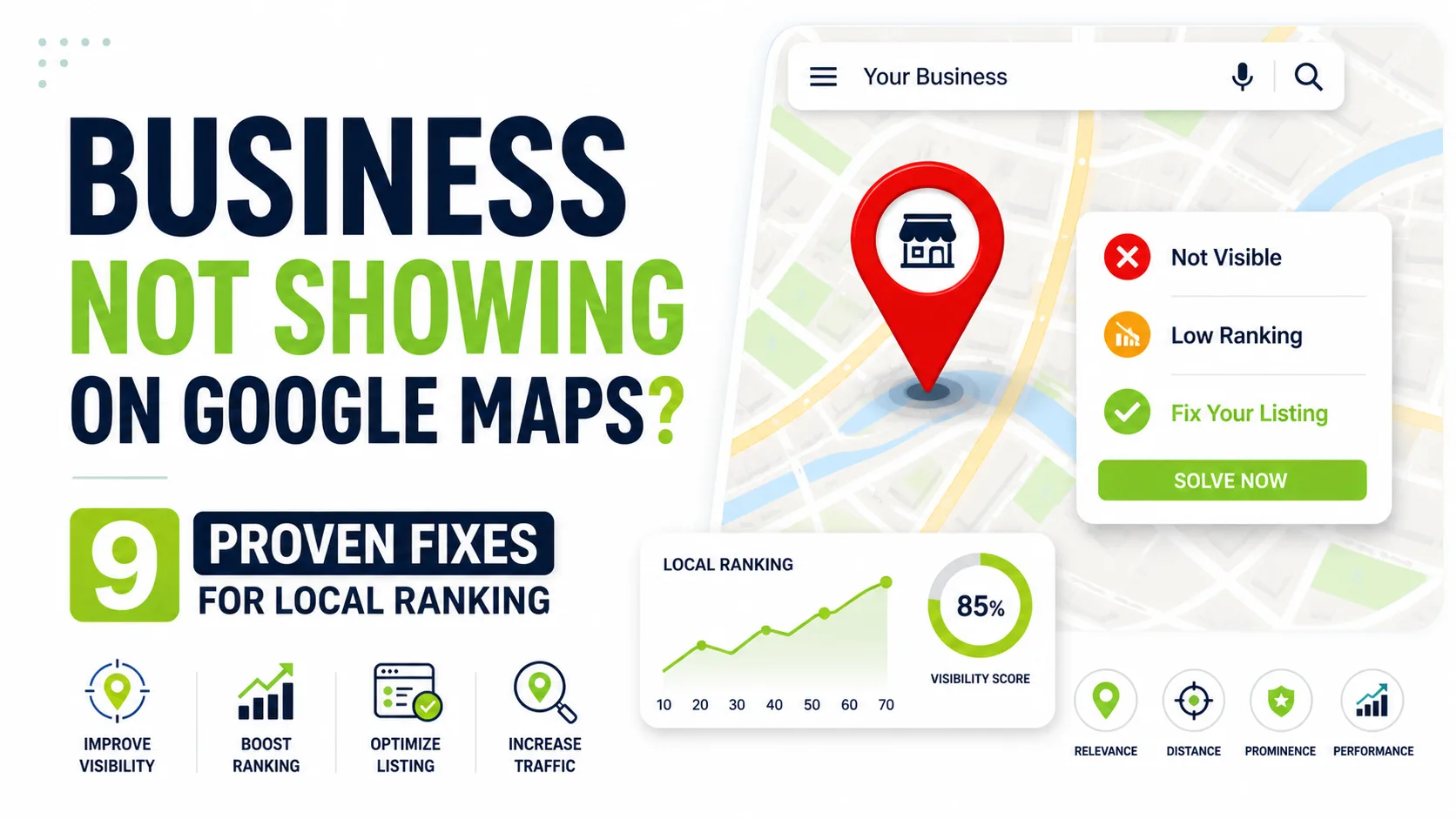
If your business not showing on Google Maps, the most common causes include verification issues, suspended listings, incorrect business categories, inconsistent NAP (Name, Address, Phone Number) details, and weak local SEO signals such as relevance, distance, and prominence.
Google prioritizes businesses with verified profiles, accurate information, active engagement, positive reviews, and consistent optimization—making a fully optimized Google Business Profile essential for improving local ranking and visibility in 2026, especially for businesses struggling with issues like “my business location not showing on Google Maps.”
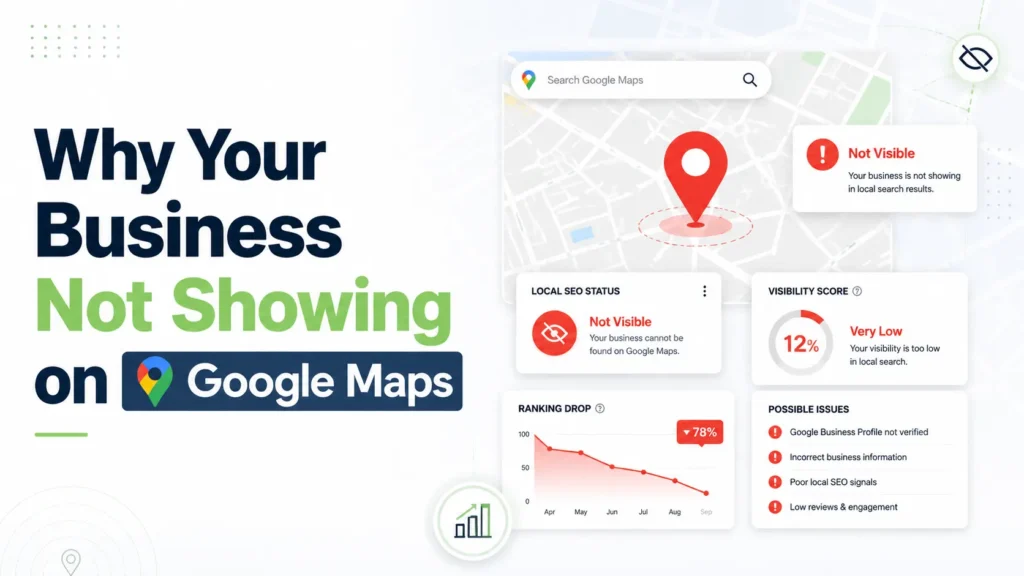
Why Your Business Not Showing on Google Maps
Let’s start with the core issue.
Google doesn’t show every business. It shows the most relevant and trusted ones. If your Google Business Profile not ranking or your GMB visibility issue, it means Google doesn’t see enough strong signals yet.
The 3 Key Ranking Factors
- Relevance
- Distance
- Prominence
If your Google Maps listing not showing, it’s likely you’re weak in one (or all) of these areas.
Real Example: Clinic Lost Google Maps Visibility Due to NAP Inconsistency
A physiotherapy clinic noticed a major drop in local traffic after patients reported they could no longer find the business on Google Maps. The issue started after the clinic updated its phone number and address on its website but failed to update the same details on its Google Business Profile, healthcare directories, and social media pages. As a result, Google found conflicting NAP (Name, Address, Phone Number) information across different platforms, which weakened the clinic’s local trust signals and reduced its visibility in nearby searches.
After auditing all listings and correcting the business details everywhere, the clinic’s profile gradually regained visibility within a few days. The business also started appearing again for important local keywords related to physiotherapy services in its area. This example highlights how even small inconsistencies in business information can negatively impact local SEO and Google Maps rankings.
Common Causes like:
- Business not verified
- Suspended or restricted Google Business Profile
- Wrong categories or irrelevant attributes
- Address conflicts or duplicate listings
- Weak local SEO or inconsistent citations
- Location outside the proximity of the searcher
- Missing relevance cues
- Low prominence due to lack of reviews or activity
- Content or policy violations
Fix 1: Verify Your Google Business Profile
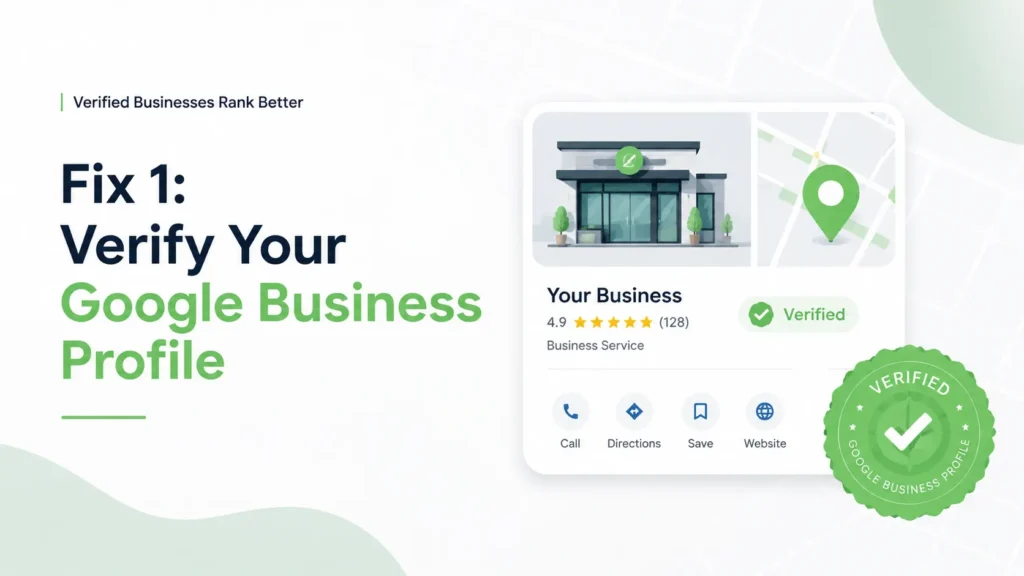
This is the most basic step—but surprisingly, many businesses skip it.
If your listing isn’t verified, your Google My Business not visible issue will never be fixed.
What You Should Do
- Complete verification immediately
- Avoid changing details during the process
- Ensure your address is correct
Without verification, your business not appearing in local search is guaranteed.
Fix 2: Fix NAP Consistency
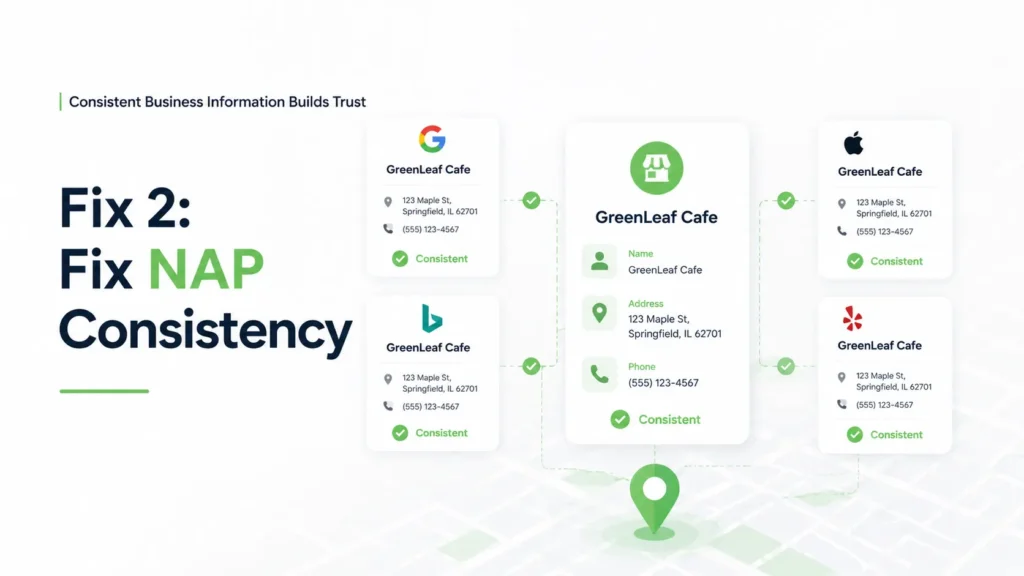
Your Name, Address, and Phone number must match everywhere.
Even small differences can cause your Google Maps listing not showing properly, which is one of the main reasons a business name not showing on Google Maps issue happens.
Why It Matters
Google relies on consistency to trust your business. If your data is inconsistent, your Google Maps ranking factors weaken.
Want a free Google Maps audit? Get a personalized visibility report for your business.
Click here 👉 Contact Us
Fix 3: Choose the Right Business Categories
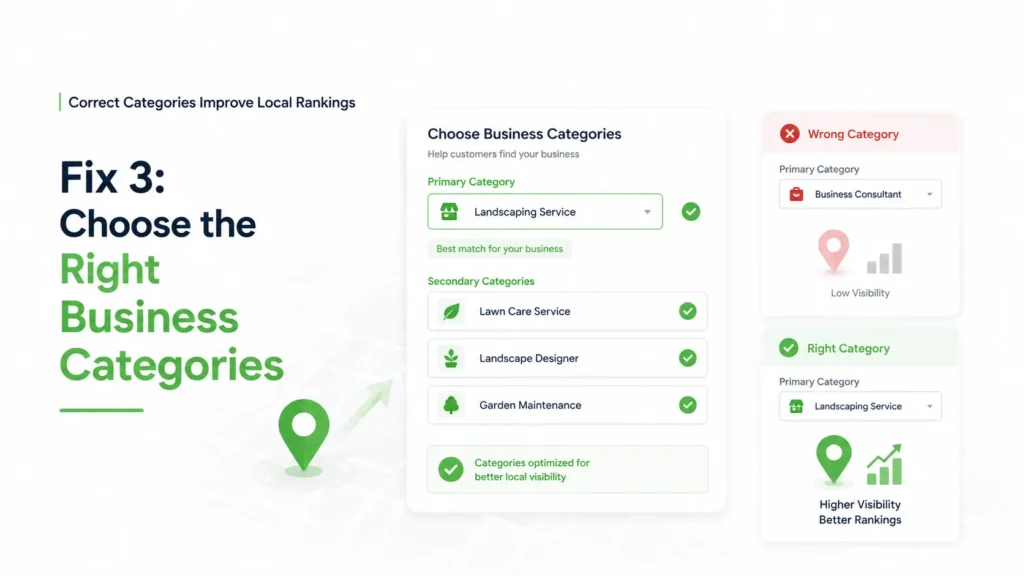
Choosing the wrong category is one of the biggest reasons your business not showing on Google Maps.
What You Should Do
- Pick a strong primary category
- Add relevant secondary categories
This improves your chances of appearing when people search.
Fix 4: Strengthen Local SEO
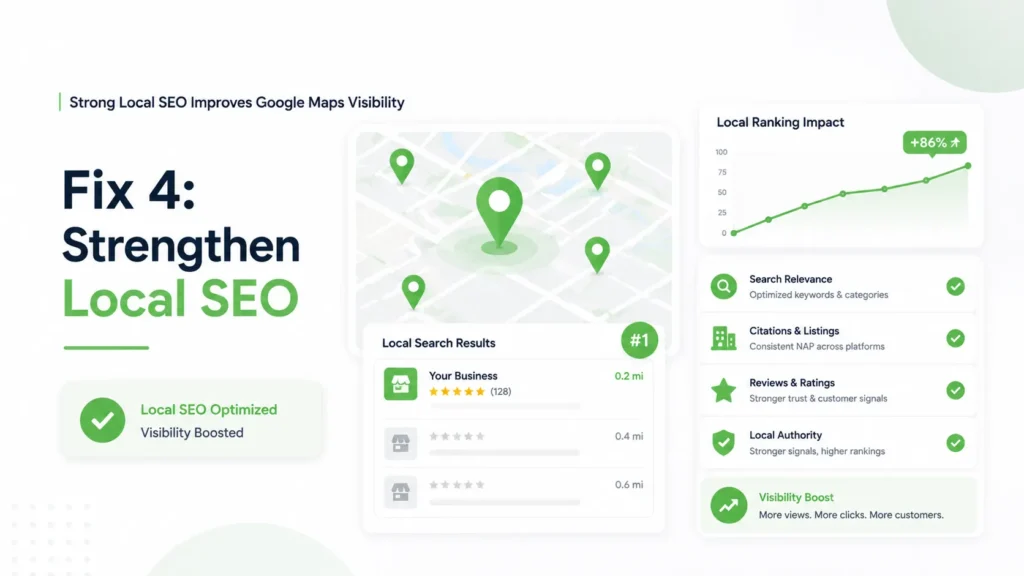
If you ignore local SEO for clinics, your visibility will stay low.
What to Focus On
- Location-based keywords
- Local content
- Directory listings
A strong local SEO strategy for clinics helps you improve your Google Maps SEO tips and visibility.
Fix 5: Get More Reviews
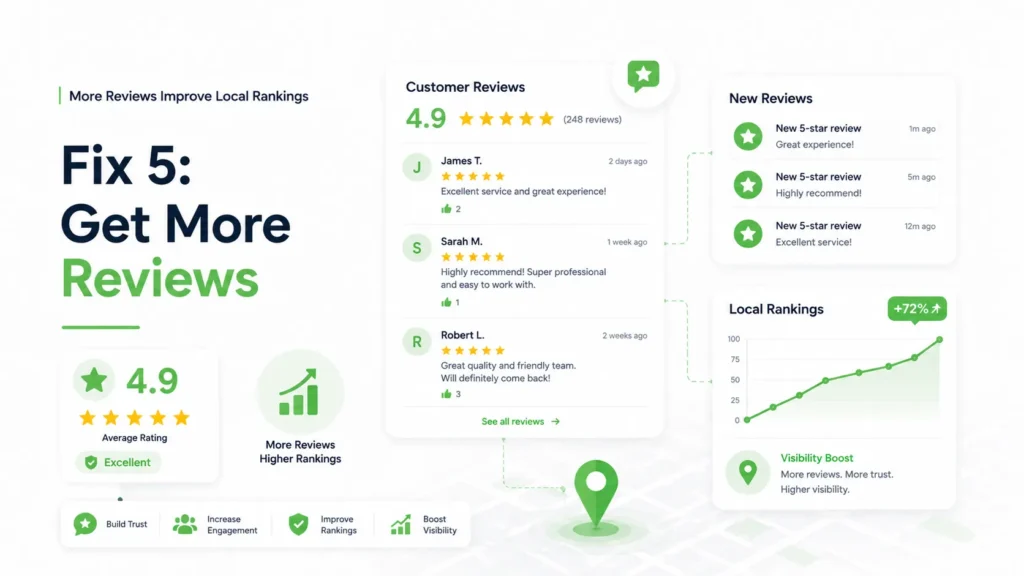
Reviews are critical for ranking.
If you want to increase visibility on Google Maps, you need more positive reviews.
Why Reviews Matter
- Build trust
- Improve ranking
- Increase clicks
This directly impacts your Google Maps algorithm ranking.
Fix 6: Add Photos & Stay Active
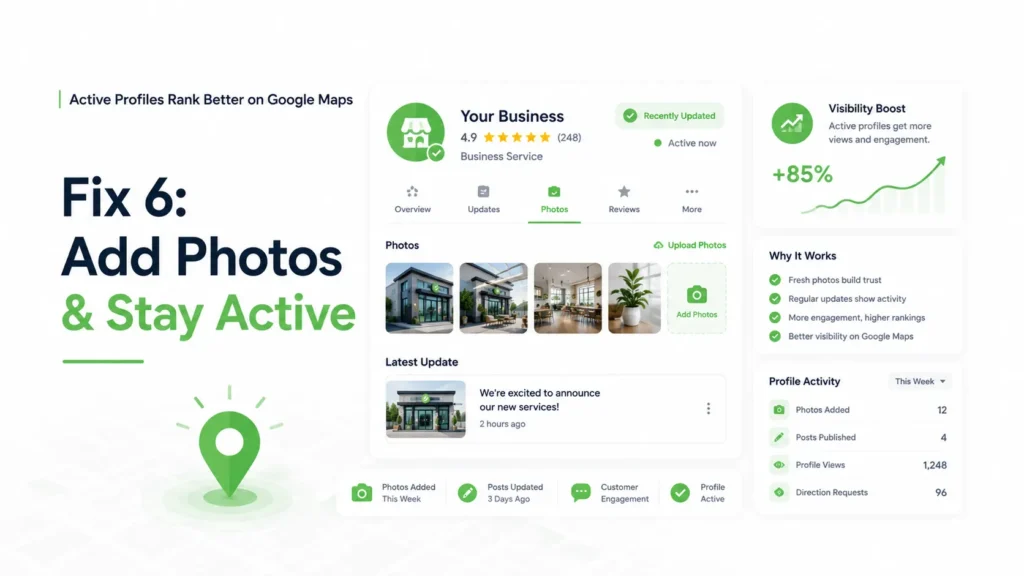
Inactive listings don’t rank.
If you want to improve local ranking Google, you need to stay active.
What to Upload
- Clinic images
- Staff photos
- Equipment
This improves engagement and supports your Google Maps SEO tips.
Fix 7: Optimize Your Description
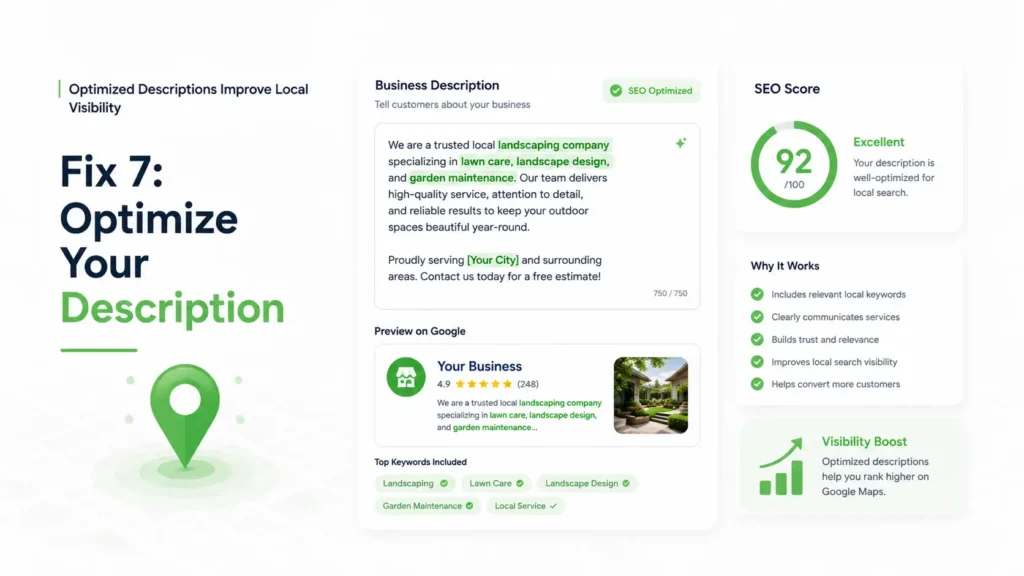
Your description helps Google understand your business.
Best Practice
Use keywords like:
- Google Business Profile optimization
- how to rank on Google Maps
But keep it natural—don’t overdo it.
Also check out our complete SEO Audit Guide & checklist to improve rankings, boost traffic, and optimize your website performance.
Fix 8: Build Local Citations
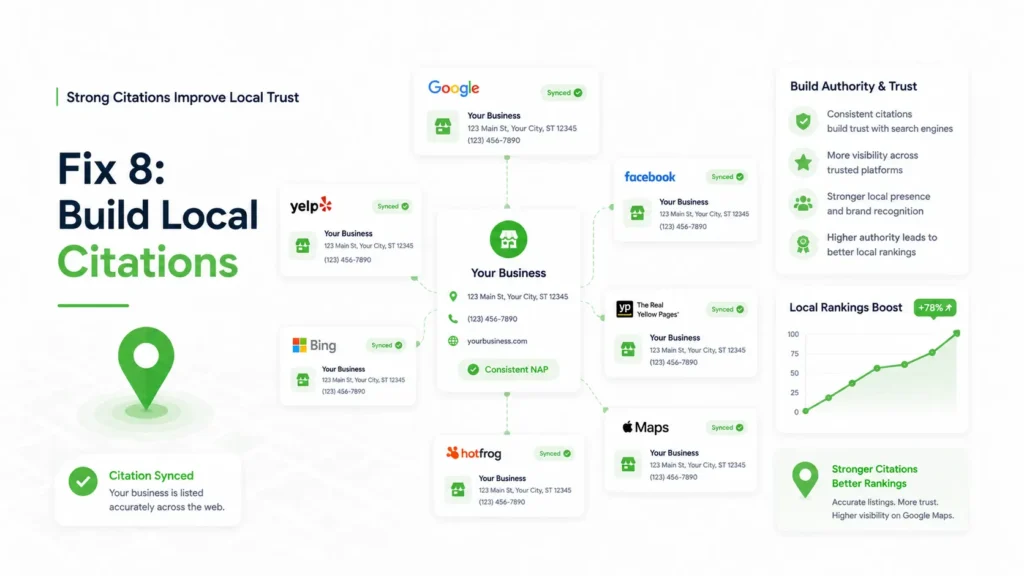
Citations are mentions of your business online.
They play a huge role in fixing your business not appearing in local search.
Where to List
- Local directories
- Healthcare portals
- Business listings
This strengthens your authority and improves your Google Maps ranking factors.
Fix 9: Improve Your Website SEO
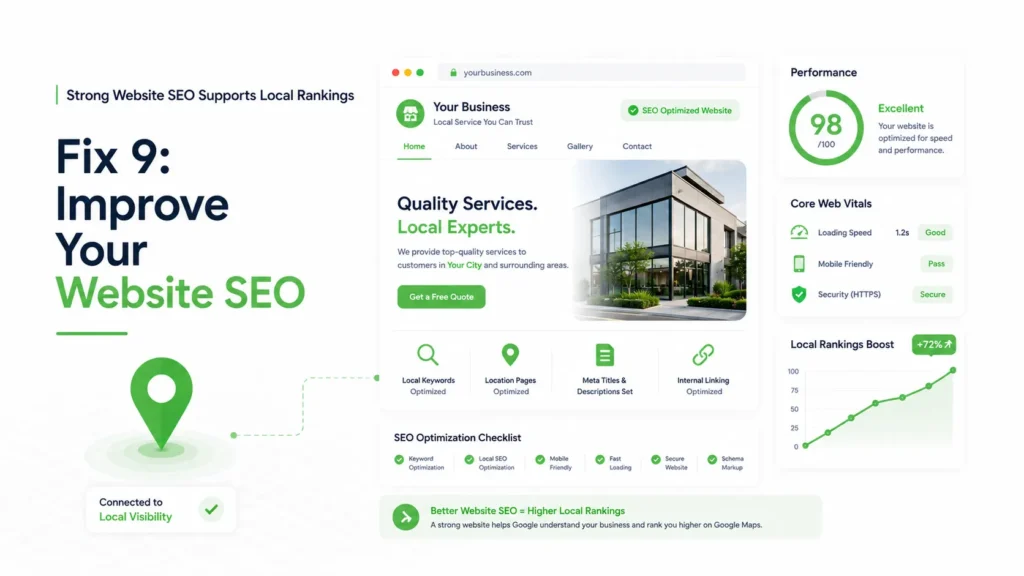
Your website directly impacts your Maps ranking.
If your site is weak, your business not showing on Google Maps problem will continue.
What to Improve
- Page speed
- Mobile optimization
- Local keywords
Focus on content around how to rank on Google Maps and improve local ranking Google.
Final Thoughts
If your business not showing on Google Maps, the issue is usually not the listing itself—it’s the overall Google Maps optimization system behind it. Businesses that consistently rank higher typically focus on proper Google Business Profile optimization, accurate business information, reviews, and a strong local SEO strategy for clinics to improve local visibility and trust signals.
At Raiseque, we help clinics and healthcare brands build structured local SEO systems that improve Google Maps rankings, visibility, and patient inquiries.
📩 Want a free Google Maps visibility audit?
Message us directly and discover what’s affecting your local rankings.
FAQ
1. Why is my verified business not showing on Google Maps?
If your business is not showing on Google Maps, it is usually due to incomplete verification, incorrect business information, or weak local SEO signals. Google prioritizes listings that are accurate, active, and trustworthy. Ensuring your Google Business Profile is fully verified and optimized can significantly improve visibility.
2. How do I make my business appear on Google Maps?
To make your business appear on Google Maps, you need to create and verify your listing, add complete business details, choose the right categories, and optimize your profile with relevant keywords. Consistency in your business information and regular updates also help improve your ranking.
3. How long does it take for a business to show on Google Maps?
After verification, your business can appear on Google Maps within 24 to 72 hours. However, ranking in top positions takes longer and depends on factors like competition, reviews, and local SEO optimization.
4. Why is my Google Business Profile not visible to customers?
Your Google Business Profile may not be visible due to suspension, incorrect categories, low activity, or lack of trust signals such as reviews and citations. Fixing these issues and maintaining an active profile can improve visibility.
5. What are the main reasons a business does not rank on Google Maps?
The main reasons include poor optimization, inconsistent NAP (Name, Address, Phone), lack of reviews, weak website SEO, and low engagement. Google ranks businesses based on relevance, distance, and prominence.